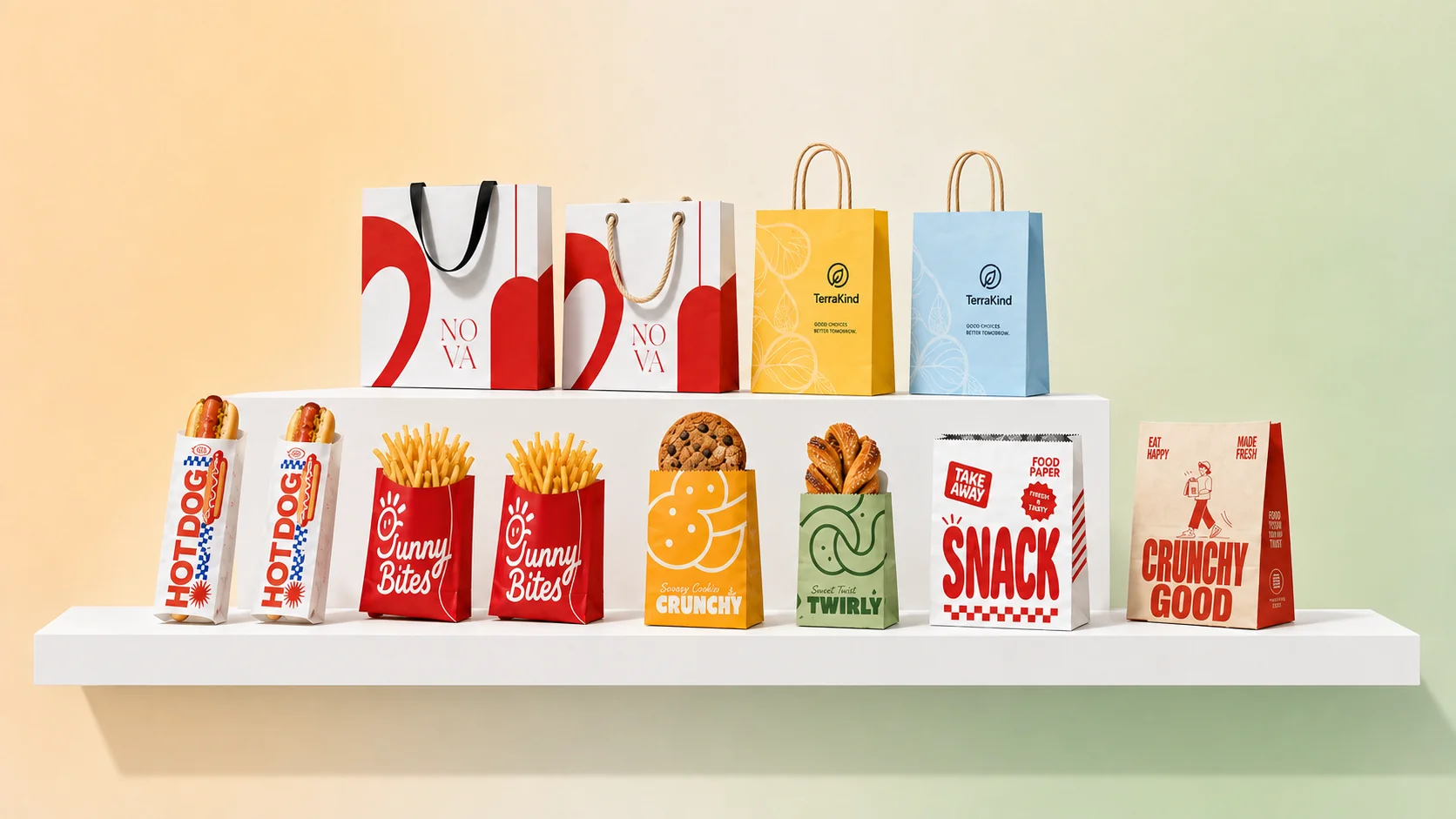
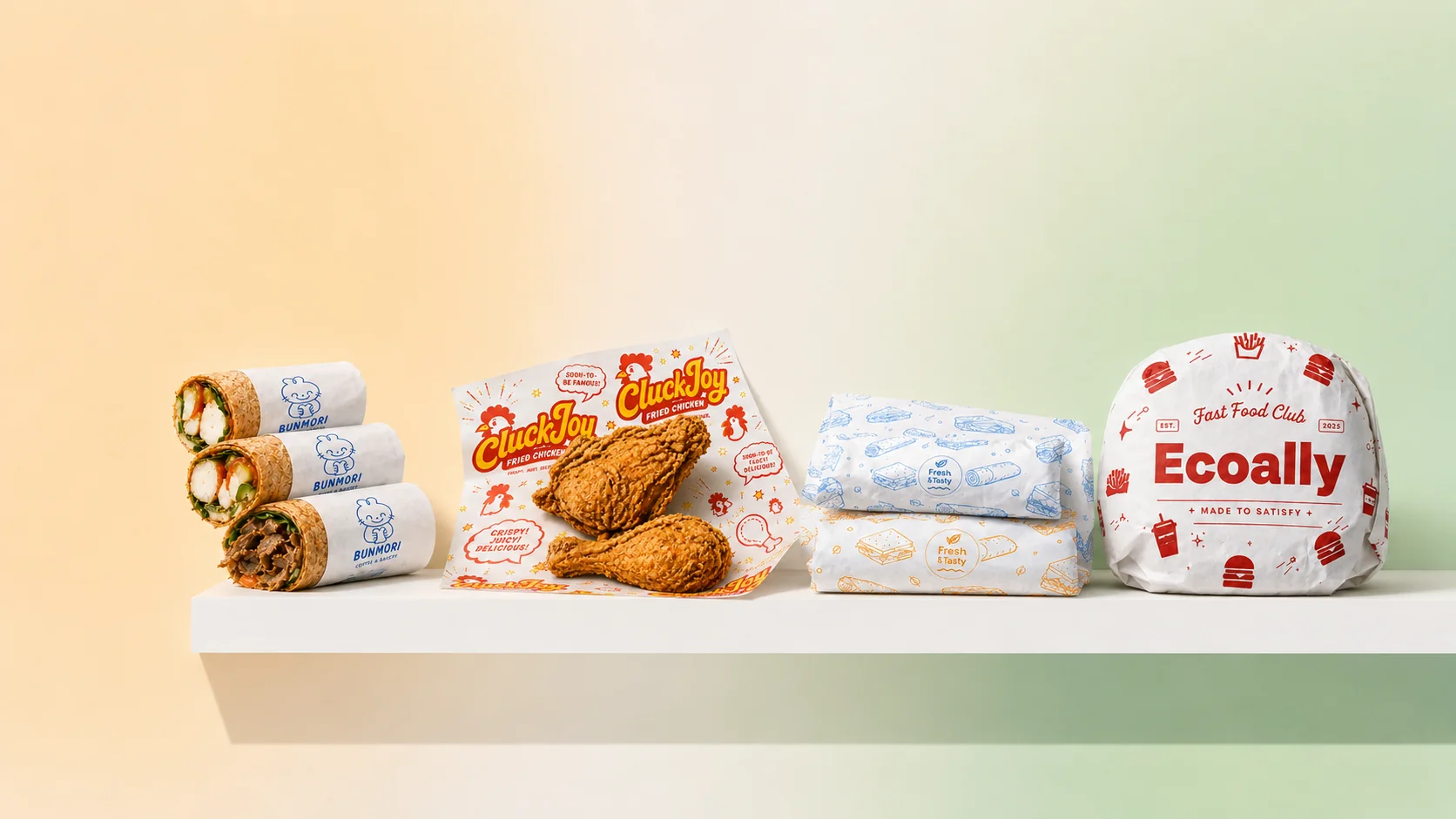
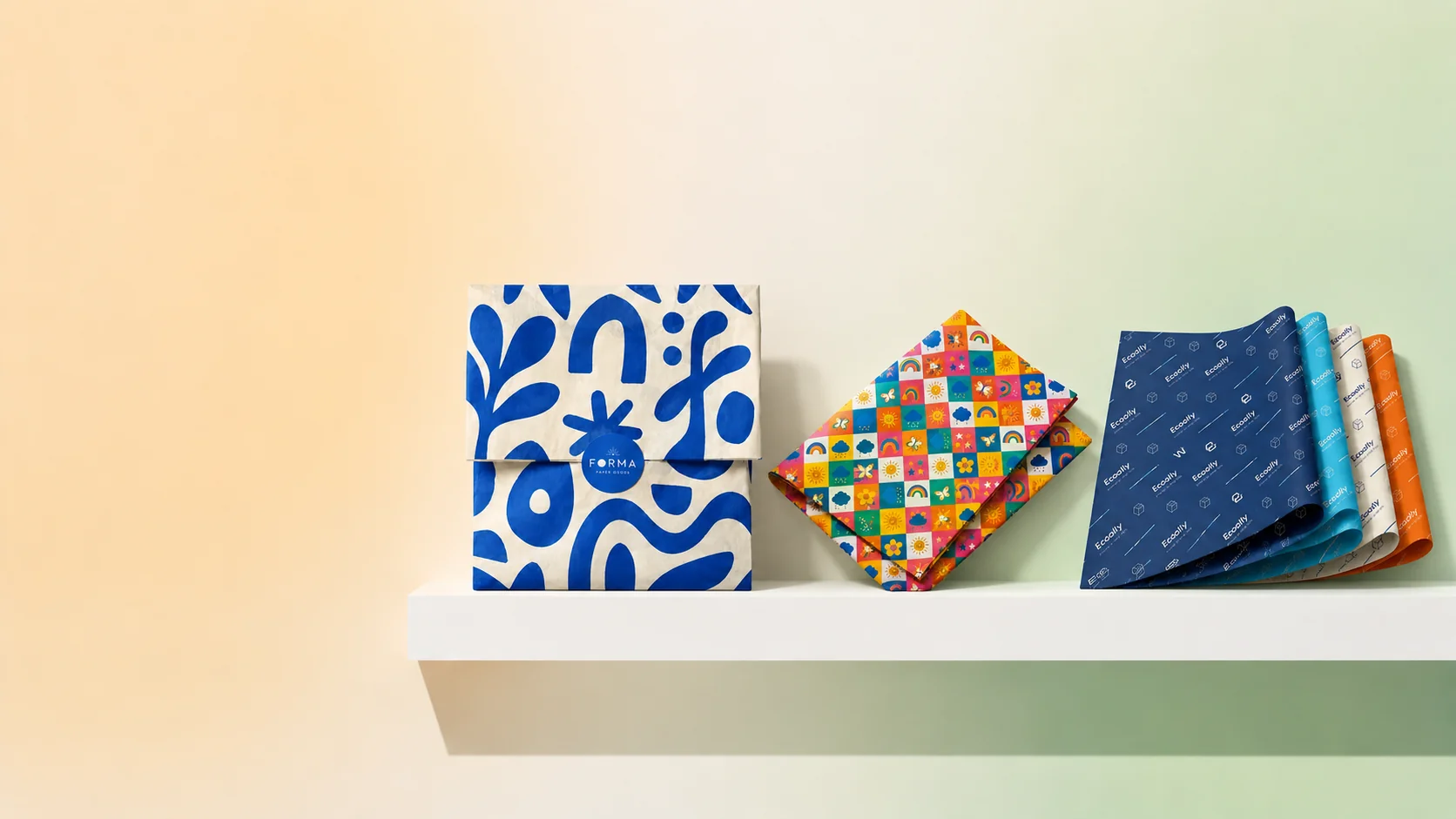
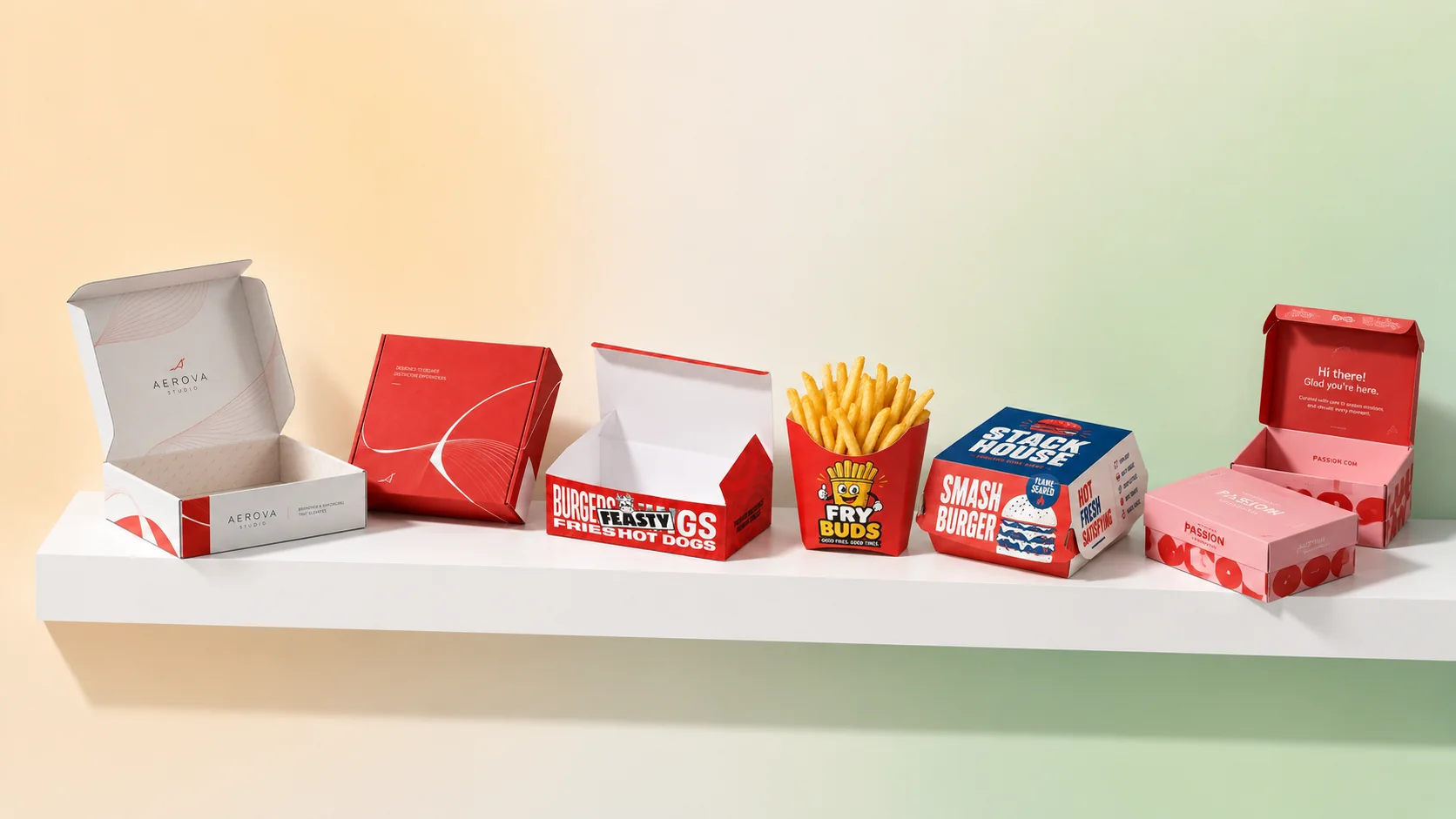

How to Design Custom Packaging with Ecoally's 3D Editor
Custom packaging used to mean emailing a printer, waiting for static PDF proofs, and hoping the final print matched what you imagined. Ecoally's online 3D packaging editor lets food brands upload a logo, adjust colors and artwork, and preview packaging in real time before requesting samples or placing an order.
This tutorial walks through the full workflow — from choosing a product to confirming production details — so you can design with confidence even if you have never worked with a packaging designer.
Why Preview Packaging in 3D Before You Order?
Packaging mistakes are expensive at scale: wrong logo size, colors that clash with your bag material, or artwork sitting too close to fold lines. A live 3D preview helps you catch those issues early.
Benefits for small food businesses:
- See print placement on the actual product shape — not a flat mockup that ignores handles, gussets, or panel breaks
- Iterate quickly — adjust logo scale and colors without waiting days for revised proofs
- Share internally — send a preview link to your team or co-founder before committing budget
- Order samples with confidence — validate material and print quality once, not three times
If you are comparing suppliers, ask whether they offer true 3D product preview or only 2D templates. That difference matters especially for paper bags, boxes, and labels where geometry affects design.
What You Can Customize in the Editor
Depending on the product, Ecoally's editor supports adjustments such as:
- Logo upload — PNG or SVG with transparent background works best
- Brand colors — match hex values from your style guide
- Artwork placement — move and scale graphics on printable panels
- Size and material options — where the product offers multiple specs
- Quantity tiers — see how MOQ and volume affect your order
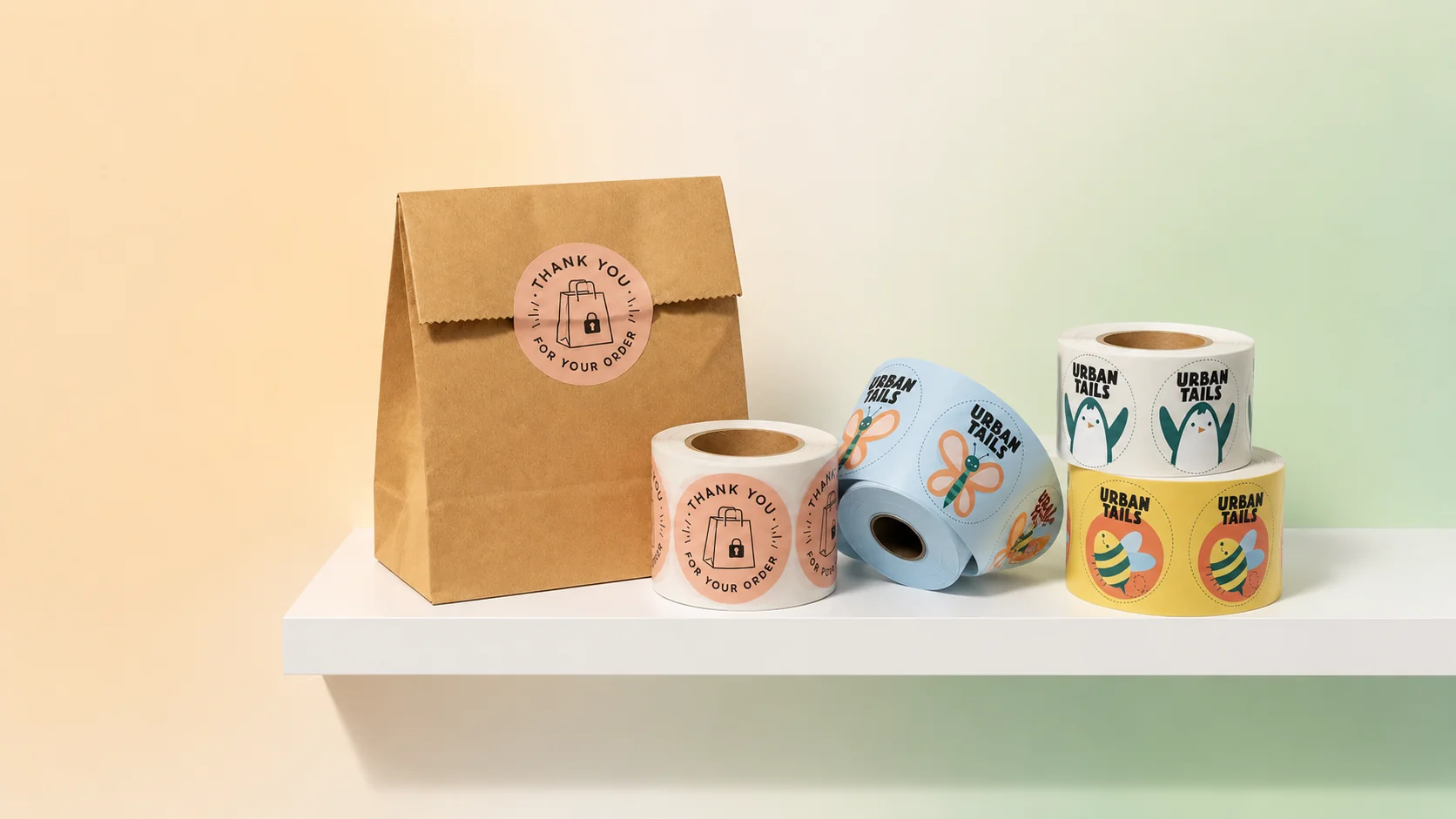
Supported product families include paper bags, food wrapping paper, tissue paper, boxes, stickers, labels, cups, and packaging accessories. Start from the product catalog or jump directly to a item like the Foldable Shopping Paper Bag design page.
Step-by-Step: Design Custom Packaging in Ecoally
Step 1 — Choose your product
Open Products and pick the format that matches your use case: takeout bags for a cafe, pastry boxes for a bakery, or labels for jarred goods. Each product page shows available sizes, materials, and minimum quantities.
Tip: If you are unsure, start with one high-visibility item — the bag or box customers carry out the door.
Step 2 — Open the 3D editor
Click Customize or Design in 3D on the product page. The editor loads an interactive model you can rotate, zoom, and inspect from multiple angles.
Step 3 — Upload your logo and brand assets
Upload your logo file and place it on the primary print panel. Keep important text and marks inside safe margins away from seams, handles, and fold lines — the 3D view helps you see those zones clearly.
Design checklist:
- Logo resolution sufficient for print (vector or high-res PNG)
- Contrast that reads on kraft or white board
- One primary focal point — avoid overcrowding small bag panels
Step 4 — Adjust colors and supporting artwork
Set brand colors using your hex codes. Some products support patterns, secondary marks, or simple background fills. Preview how ink coverage looks on dark kraft vs white board if both are available.
Step 5 — Review every panel in 3D
Rotate the model and check front, back, side gussets, and handles. Packaging rarely fails in the center of a panel — it fails at folds and edges. This step alone prevents many first-order regrets.
Step 6 — Select quantity and request samples (optional)
Choose a quantity tier that matches your test or launch plan. Many brands order a small first run or samples before a seasonal push. Learn more about flexible quantities in our low MOQ guide.
Step 7 — Confirm and place your order
Review production details, shipping, and payment. Save your design in your Ecoally account so reordering the same SKU is one click when a design performs well.
Design Tips for Food Packaging That Performs
Match material to food type. Greasy bakery items may need grease-resistant papers or board; cold drinks need cup materials rated for condensation. Our materials guide explains kraft, PLA, bagasse, and more.
Design for photography. Takeout and delivery brands benefit from packaging that looks good on Instagram and TikTok. Clean logo placement and consistent colors photograph better than busy patterns.
Stay consistent with your digital brand. Your packaging should feel like your menu, website, and social profiles. Consistency builds trust when customers meet your brand at the door.
Plan for seasonal variants. Once your base design is saved, duplicate and swap colors or slogans for holidays without rebuilding from scratch.
Who Should Use the 3D Editor?
The editor is built for operators who need speed and clarity:
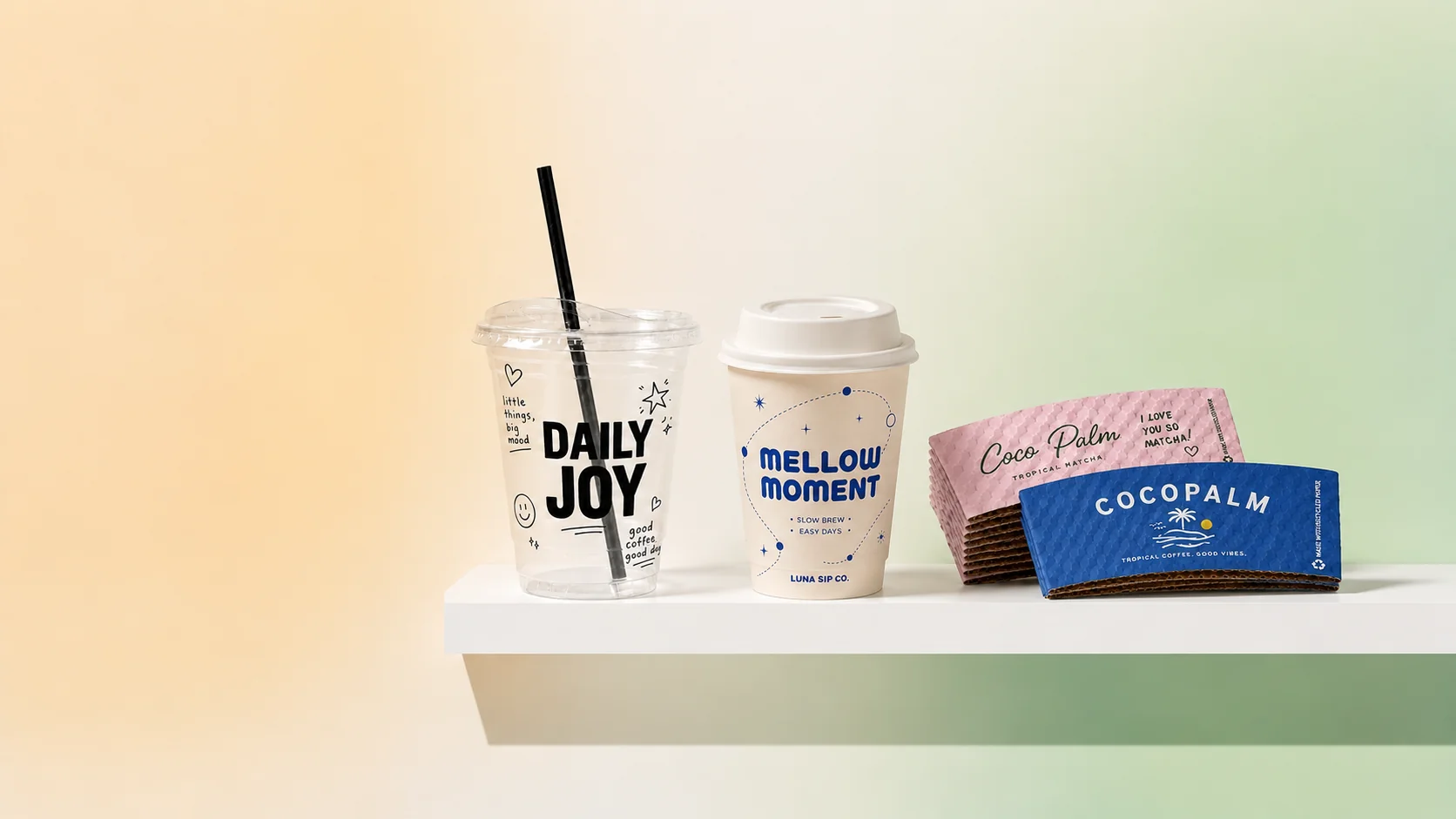
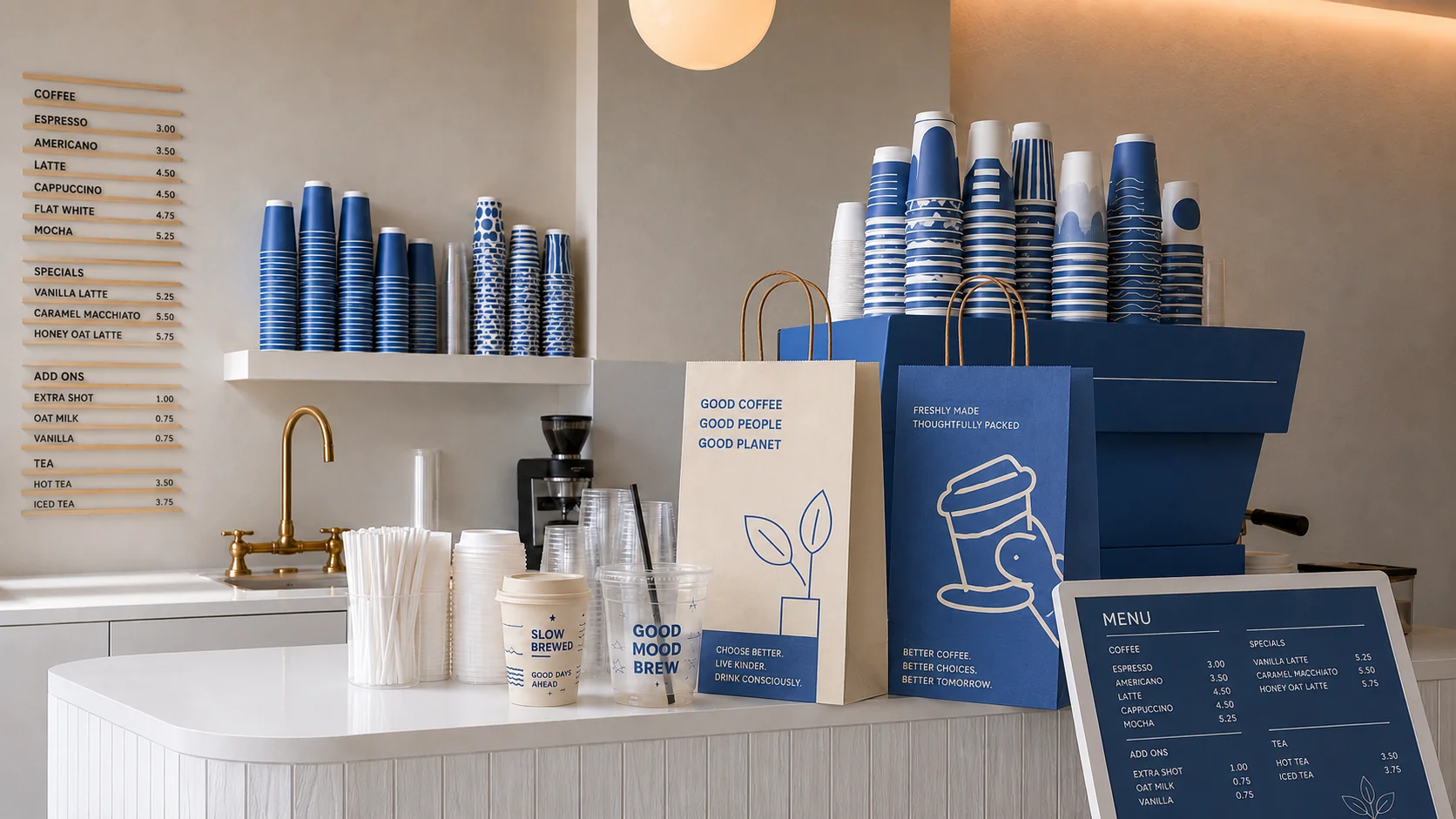
- Cafe owners branding cups, sleeves, and coffee shop packaging
- Bakery teams testing pastry box layouts before a busy season
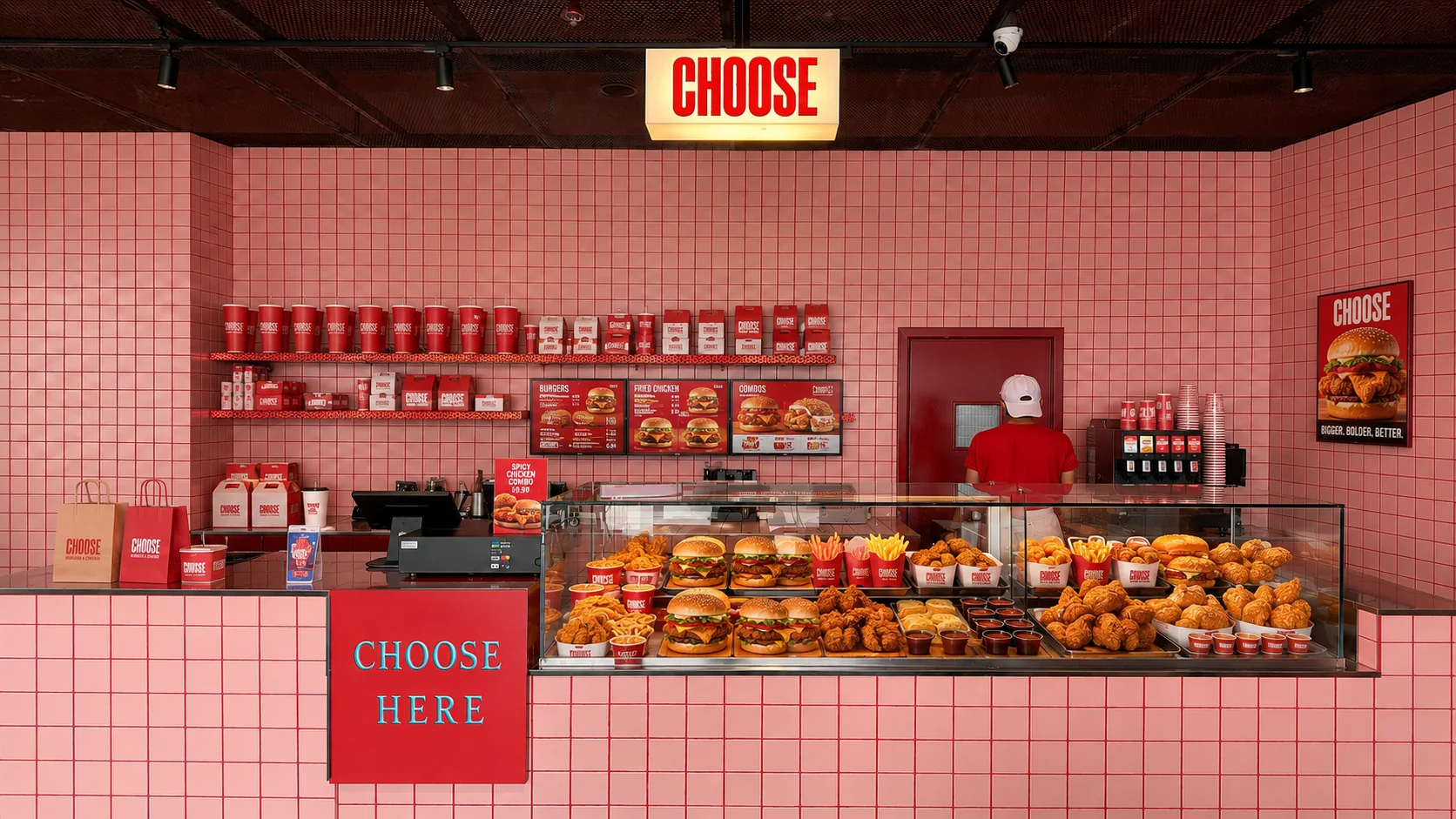
- Restaurant operators refreshing takeout packaging for delivery platforms
- DTC food founders launching a first physical touchpoint without hiring an agency
If you serve a specific vertical, browse industry pages for product starting points.
Frequently Asked Questions
Can I preview the design before ordering?
Yes. Ecoally's online 3D packaging editor lets you upload your logo, adjust colors and artwork, and preview selected custom packaging products before requesting samples or placing an order.
What file format should my logo be?
PNG with transparency or SVG is ideal. Avoid low-resolution JPEGs that may print soft on small text or fine lines.
Can I edit my design after saving?
You can revise artwork in the editor before checkout. After production starts, changes may require a new order depending on production status — confirm details at checkout.
Is the 3D preview accurate to final print?
The preview represents approved product dimensions and print zones. Minor color variation can occur between screen and physical material — samples help validate final appearance.
Do I need professional design software?
No. The editor is built for business owners and operators. If you have a logo and brand colors, you can produce a strong first design without Illustrator or agency support.
Designing custom packaging should not require a six-week proofing cycle. With Ecoally's 3D editor, you can see your brand on the product, order the right quantity, and ship a polished experience to every customer.
Start designing: Open the product catalog or design the Foldable Shopping Paper Bag in 3D.


